
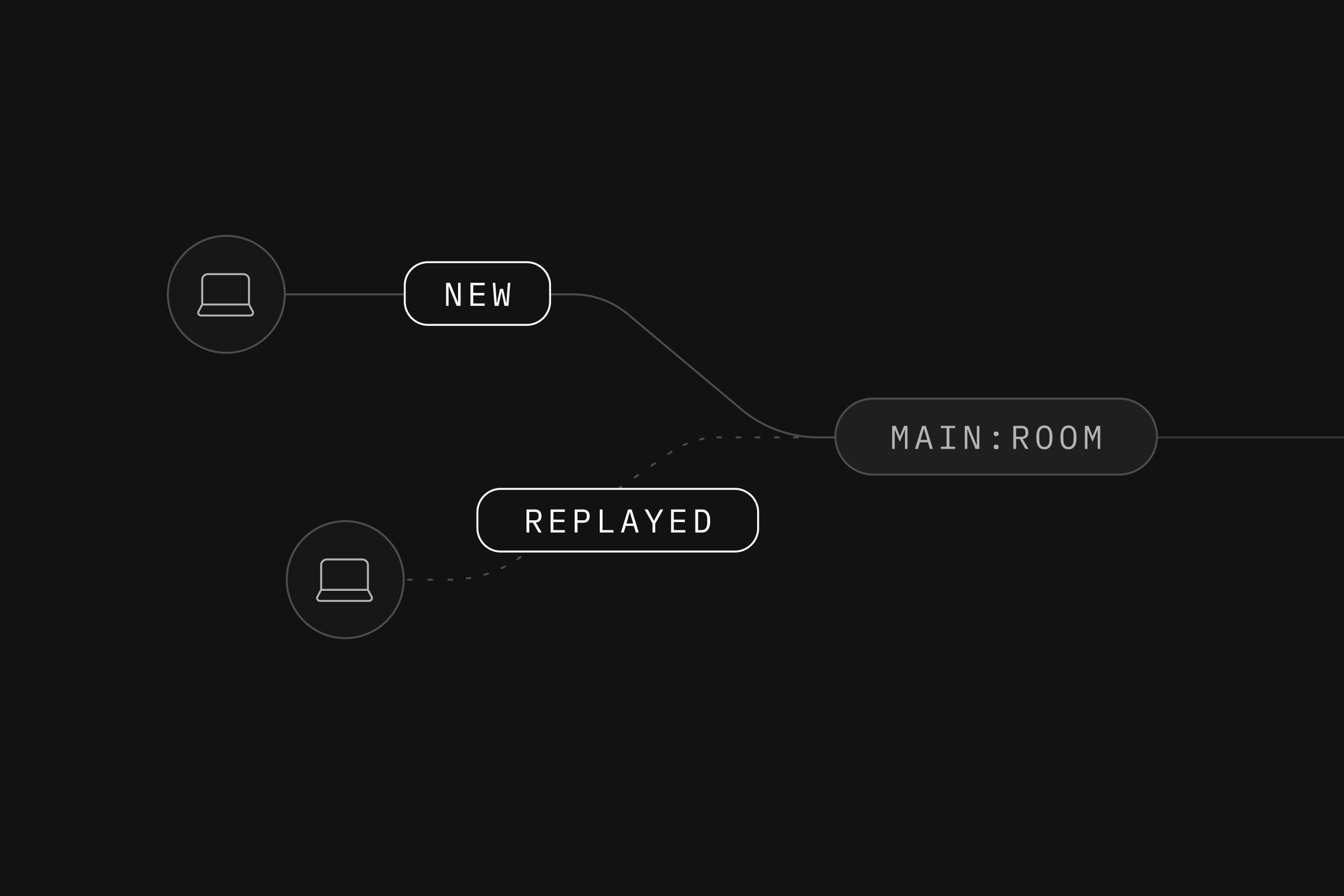
Today we're releasing Broadcast Replay for Realtime - a powerful new feature that enables private channels to access messages that were sent earlier, ensuring your users never miss critical updates.
The Challenge: Missing Important Messages in Real-time Applications#
Building real-time applications comes with unique challenges. What happens when:
- A user's connection drops momentarily?
- Someone joins a collaborative session mid-way?
- A page reload occurs during an important update?
- Network interruptions cause missed messages?
Previously, these scenarios meant lost context and degraded user experiences. Users would miss important messages sent while they were disconnected, and developers had to implement complex workarounds to maintain state consistency.
Introducing Broadcast Replay#
Broadcast Replay solves these challenges by allowing private channels to retrieve messages that were sent before a client connected or while they were disconnected. This feature integrates seamlessly with our existing Broadcast from Database functionality, storing messages in the realtime.messages table for up to 3 days.
It leverages the messages already stored when using Broadcast from Database. When you enable replay on a private channel, Realtime queries the partitioned realtime.messages table to retrieve historical messages based on your configuration.
The replay configuration accepts two parameters:
since(required): Unix timestamp in milliseconds specifying the earliest point from which messages should be retrieved;limit(optional): Number of messages to return (1-25, useful for preventing information overload).
You can see Broadcast Replay in action at https://multiplayer.dev, where the chat box demonstrates how users can access historical messages when joining or reconnecting to a conversation.
Real-World Use Cases#
Chat Applications#
Display the most recent messages when users enter a chat room, providing immediate context without complex state management:
_11const chatChannel = supabase.channel(`chat:${roomId}`, {_11 config: {_11 private: true,_11 broadcast: {_11 replay: {_11 since: Date.now() - 300000, // Last 5 minutes_11 limit: 25, // Show last 25 messages_11 },_11 },_11 },_11})
Live Sports Updates#
Ensure fans never miss crucial moments, even after connection issues:
_11const gameChannel = supabase.channel(`game:${matchId}:key-events`, {_11 config: {_11 private: true,_11 broadcast: {_11 replay: {_11 since: matchStartTime, // Replay from match start_11 limit: 20, // Show key events_11 },_11 },_11 },_11})
Collaborative Editing#
Highlight recent changes in documents when users return:
_11const docChannel = supabase.channel(`doc:${documentId}`, {_11 config: {_11 private: true,_11 broadcast: {_11 replay: {_11 since: lastSeenTimestamp, // Changes since last visit_11 limit: 15,_11 },_11 },_11 },_11})
Working with Replayed Messages#
The triggered events are now enriched with metadata to recognise replayed messages.
_14{_14 "event": "message",_14 "meta": {_14 "id": "55f92208-37c8-4c7b-930d-756f14586e55",_14 "replayed": true_14 },_14 "payload": {_14 "content": "Hello world",_14 "createdAt": "2025-11-12T15:41:22Z",_14 "id": "3f0e4cdf-f886-4b2c-b132-1cedb5c55acc",_14 "username": "supabasito"_14 },_14 "type": "broadcast"_14}
One can use the meta.replayed field to handle historical and live messages differently:
_10// Broadcast callback receives meta field_10channel.on('broadcast', { event: 'chat_message' }, (payload) => {_10 const chatMessage = payload.payload as ChatMessage_10 // Render replayed messages with a different aspect_10 chatMessage.replayed = payload?.meta?.replayed ?? false_10 setMessages((current) => [...current, chatMessage])_10})
Availability#
Broadcast Replay is available today in Public Alpha. This feature requires:
- Supabase JavaScript client version 2.74.0 or later
- Messages sent via Broadcast from Database
- Private channels with appropriate RLS policies
We're actively seeking feedback to refine this feature. If you encounter any issues or have suggestions, please submit a support ticket.
Check out our documentation for detailed implementation guides and more examples.